GeoPeeker Alternative: How to Check a Website From 44 Countries for Free

GeoPeeker is the name most people find first when they want to see a website from another country. It does the job, but the free version checks from only six locations, and paying unlocks twelve. If your customers live in more places than that, six green ticks tell you very little about the twenty other countries you actually sell to. That gap is why so many people go looking for an alternative.

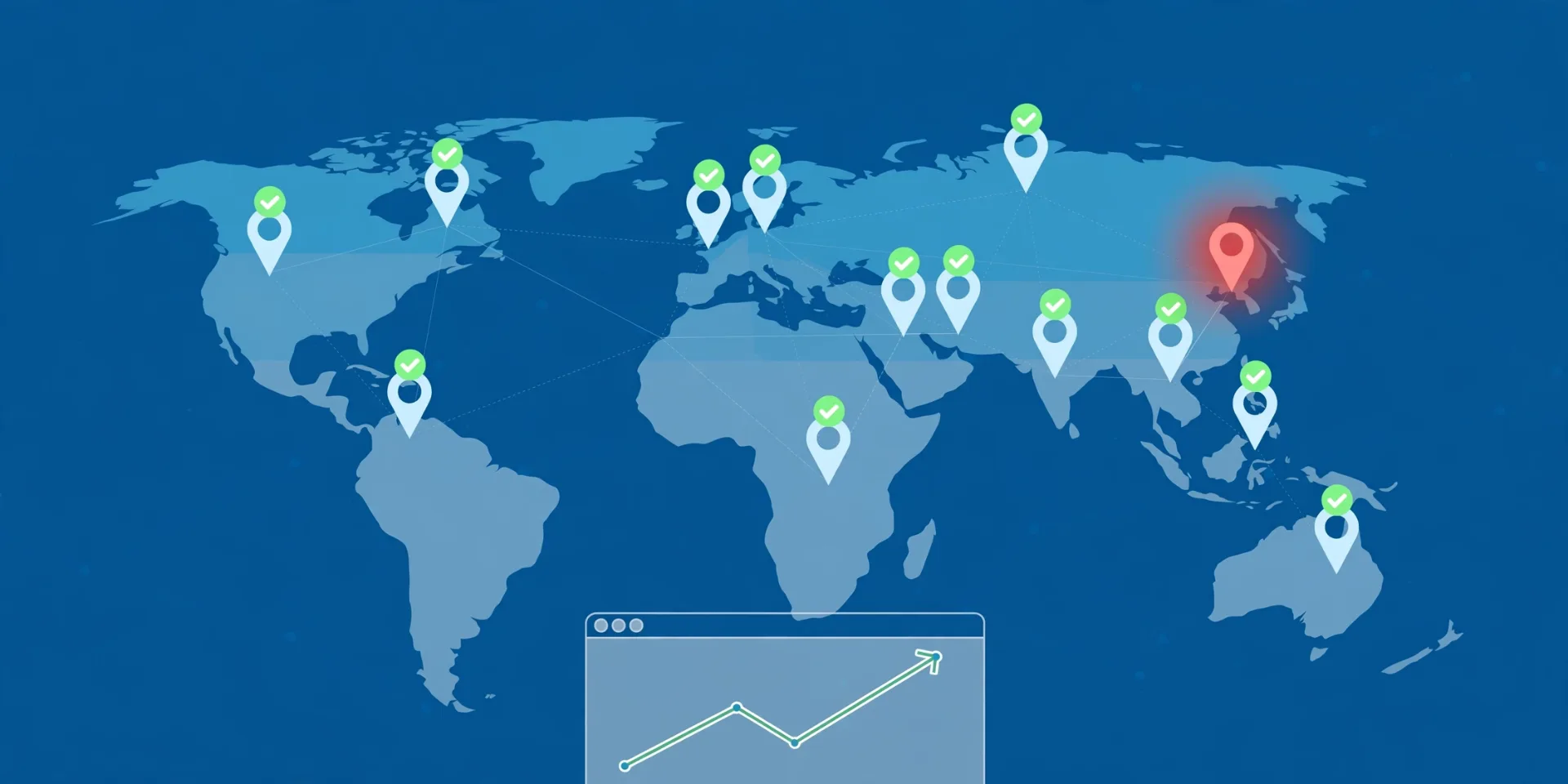
What a good alternative has to show you
A location check is only useful if it behaves like a real visit. The tool should open the page in an actual browser in each country, not just ping a server and report that something answered. It should show you the screenshot of what loaded, the HTTP status code, and how the load time splits into DNS, connection, the security handshake and the wait for the server. Without those four things, a failure is just a red mark with no clue attached.
The number of locations matters just as much. A problem that lives in one region stays invisible until a checker looks from that region. That is the gap a proper alternative has to close: dozens of countries at once, real screenshots, and the numbers behind every result.
How the check works, step by step
Start with the question itself, the one people type word for word when a page fails: down for me or just everyone. Then take the page your visitors actually land on, usually the homepage or a product page, enter the address and run the check. Every location then loads the page at the same time and reports back on one screen, so you compare countries side by side instead of running one test after another.
Read the results in a fixed order. First, count the countries that loaded the page against the ones that failed. Second, check the status codes on the failures, because a 503 points at the server while a timeout points at the network. Third, compare the screenshot from a failing country with one from a healthy country. What a real browser saw settles arguments that raw numbers cannot.
The three patterns and what each one means
If the site fails almost everywhere, the site itself is down and the hosting company needs the evidence, which you now have country by country. If it fails in one region only, the cause is usually DNS, routing or a content delivery node in that area, and naming the affected countries gets it fixed far faster. If it loads everywhere except on your own screen, the fault sits in your local network or your internet provider, and no server change will touch it.
There is a fourth pattern worth watching: the site loads everywhere but slowly, with the server wait time high in every country. That is a hosting limit announcing itself weeks before it becomes an outage.
Quick questions
How many countries should a proper check cover? As many as your visitors come from, and then some. A checker that covers 44 countries catches regional failures that a six-location tool never sees.
Does a paid plan buy better answers? On some tools, yes, mostly more locations. On a free tool that already checks from 44 countries with screenshots and timing details, the paid extras elsewhere add little.
How often should you run a check like this? After every hosting move, every DNS change and every launch in a new country. Saving the results matters too, because comparing this month with last month shows slow decline that a single test hides.
Worth the two minutes
Nobody plans an outage around your schedule. The check takes about two minutes, costs nothing, and replaces guesswork with a map of exactly where your site works and where it does not. Run it before your customers run into the problem, and the next "is it down" message in your inbox becomes a question you can answer with evidence instead of worry.
#geopeeker #websitechecker